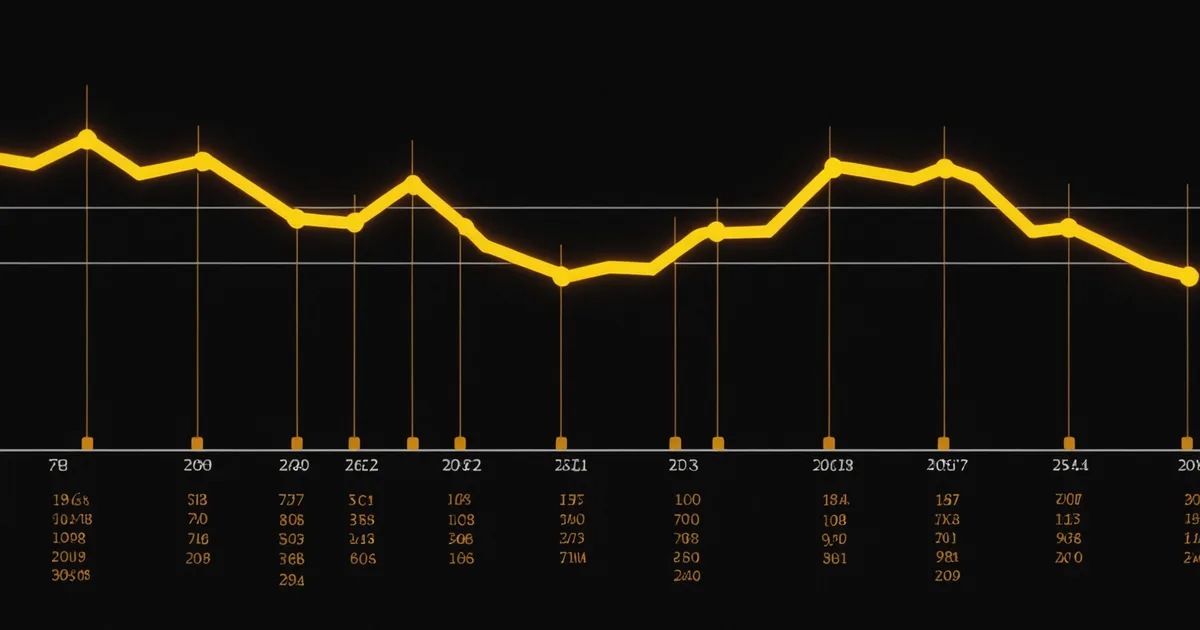
A rollback that resolves the incident is a success. A rollback that resolves the incident but leaves you unable to explain what triggered it, what the state was at trigger time, or how long users were affected — that's a resolved incident with an incomplete story. The next time that version gets deployed, you'll repeat the same forensics. Good rollback telemetry eliminates the forensics session.
This post is about what rollback telemetry should contain, how Kubestead structures its rollback event payload, and how to route that payload into your existing observability stack so the information is where your team looks during incident review.
The Rollback Event Schema
Every Kubestead rollback emits a structured event with the following fields:
{
  "event": "rollback.triggered",
  "timestamp": "2025-09-14T03:42:17Z",
  "service": "checkout-service",
  "namespace": "production",
  "canary_image": "checkout-service:v2.14.1",
  "stable_image": "checkout-service:v2.13.8",
  "canary_traffic_pct": 12,
  "trigger_metric": "http-error-rate",
  "trigger_value": 0.0341,
  "trigger_threshold": 0.020,
  "baseline_value": 0.0023,
  "analysis_window": "5m",
  "rollback_duration_ms": 23400,
  "error_budget_remaining_pct": 34.2,
  "burn_rate_at_trigger": 6.8,
  "rollback_status": "complete"
}
The fields that matter most for post-rollback analysis: trigger_metric and trigger_value tell you exactly what crossed the threshold. baseline_value tells you what the same metric was on the stable version at the same time — which determines whether this was a deploy regression or a shared infrastructure problem. If the trigger value spiked but the baseline value also spiked, the cause is likely external (upstream API degradation, shared database load) rather than the canary version itself.
Distinguishing Deploy Regression from External Cause
The most important diagnostic question after a rollback: was the canary the cause, or was it coincidence? A canary that triggers rollback during a database cluster failover might have rolled back a perfectly good deploy.
The baseline_value field in the rollback event provides the signal. If trigger_value (canary error rate) is 3.4% and baseline_value (stable error rate at the same time) is 2.8%, both versions are degraded — the cause is likely external, not the canary. If baseline_value is 0.23%, the canary is performing 14x worse than stable — that's almost certainly a deploy regression.
Kubestead exposes a rollback_cause_classification field in the event payload (from v0.7.0) that runs this comparison automatically: deploy_regression, external_degradation, or ambiguous. The classification logic: if canary/stable ratio exceeds 2x, deploy_regression; if both canary and stable degraded together by more than 50% above their 30-minute baseline, external_degradation; otherwise ambiguous.
This classification isn't perfect — it can't distinguish between a canary that caused a shared resource exhaustion (which would show as external_degradation when it's actually the canary's fault) from a genuinely external cause. But it reduces the forensics surface area significantly for the majority of rollbacks.
Routing Rollback Events to Your Observability Stack
The rollback event is useless if it lives only in Kubestead's internal event store. It needs to surface in the places where your team investigates incidents: your log aggregation system, your APM tool, and your on-call notification channel.
Kubestead's event webhook supports four destination types: HTTP endpoint (for custom routing), Datadog Events API, PagerDuty Events API, and Slack webhook. The typical configuration routes rollback events to all three simultaneously — Datadog for correlation with APM traces and infrastructure metrics, PagerDuty for escalation if the rollback didn't fully resolve the issue, and Slack for immediate team awareness.
For teams using OpenTelemetry, Kubestead can emit rollback events as OTLP log records to your configured exporter endpoint. This keeps rollback events in the same telemetry pipeline as your application logs and traces, enabling span-level correlation between the rollback timestamp and the last requests that hit the canary pods before rollback.
What to Include in the Rollback Dashboard
If you're building a dedicated rollback visibility dashboard (worth doing once you hit a regular rollout cadence), the most actionable panels are:
- Rollback rate by service: which services roll back most frequently. High rollback rate on a single service is a signal that either the canary thresholds are miscalibrated or the service has persistent quality problems.
- Rollback cause classification distribution: what fraction of rollbacks are
deploy_regressionvs.external_degradation. If external degradations are common, your analysis thresholds may need to account for baseline variance. - Time from canary start to rollback trigger: if rollbacks are consistently happening in the first 2 minutes of the canary window, your analysis polling interval is too long and you're missing the fast-fail window. If they're happening after 20+ minutes consistently, your traffic weight progression is too aggressive relative to your analysis window.
- Error budget consumed per rollback: the
canary_traffic_pctandtrigger_valuefields can be used to estimate the budget consumed during the canary exposure window before rollback.
Rollback Telemetry as a Quality Feedback Loop
The most underutilized aspect of rollback telemetry is the calibration feedback it provides. Every rollback event contains enough information to ask: was this rollback correct? Should the analysis template have caught this sooner? Was the threshold right?
A team that reviews their rollback event log monthly and asks these questions will find threshold miscalibrations, discover canaries that should have been caught 3 minutes earlier, and identify services where the baseline variance is so high that the current threshold generates chronic false positives. The data is all there — the challenge is making the review a habit rather than a one-time post-incident exercise.